
Answer gaps from real AI answers
For every prompt CiteBoost shows what the AI answers rely on and what your website is missing – backed by verbatim sentences.

Content Studio
CiteBoost reads your website, compares it with what AI answers to your prompts say and finds the gaps: topics and facts you are missing. They become briefs and articles that answer exactly these questions.
Live demo with real measured data from our sample project – no sign-up, view only.
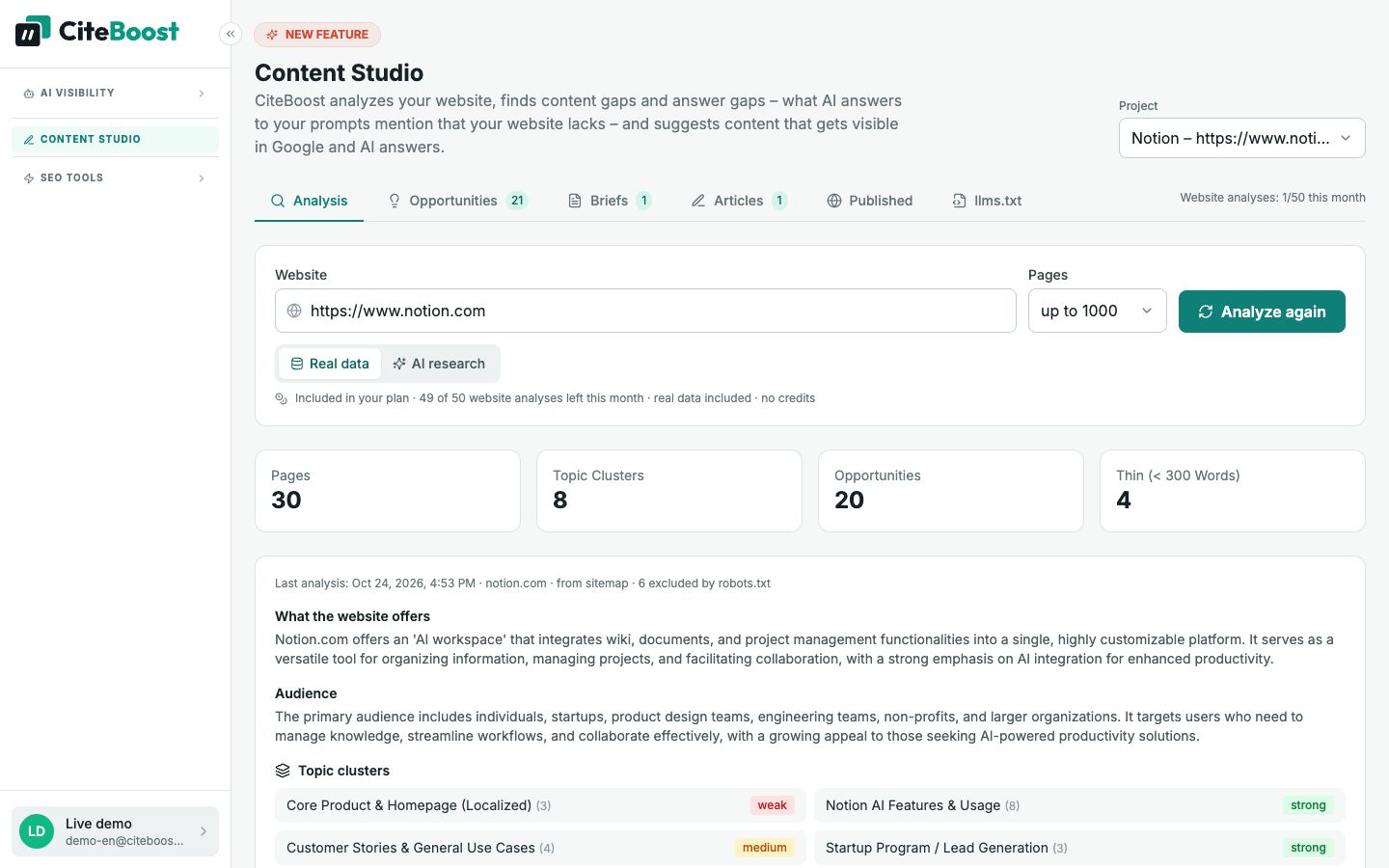
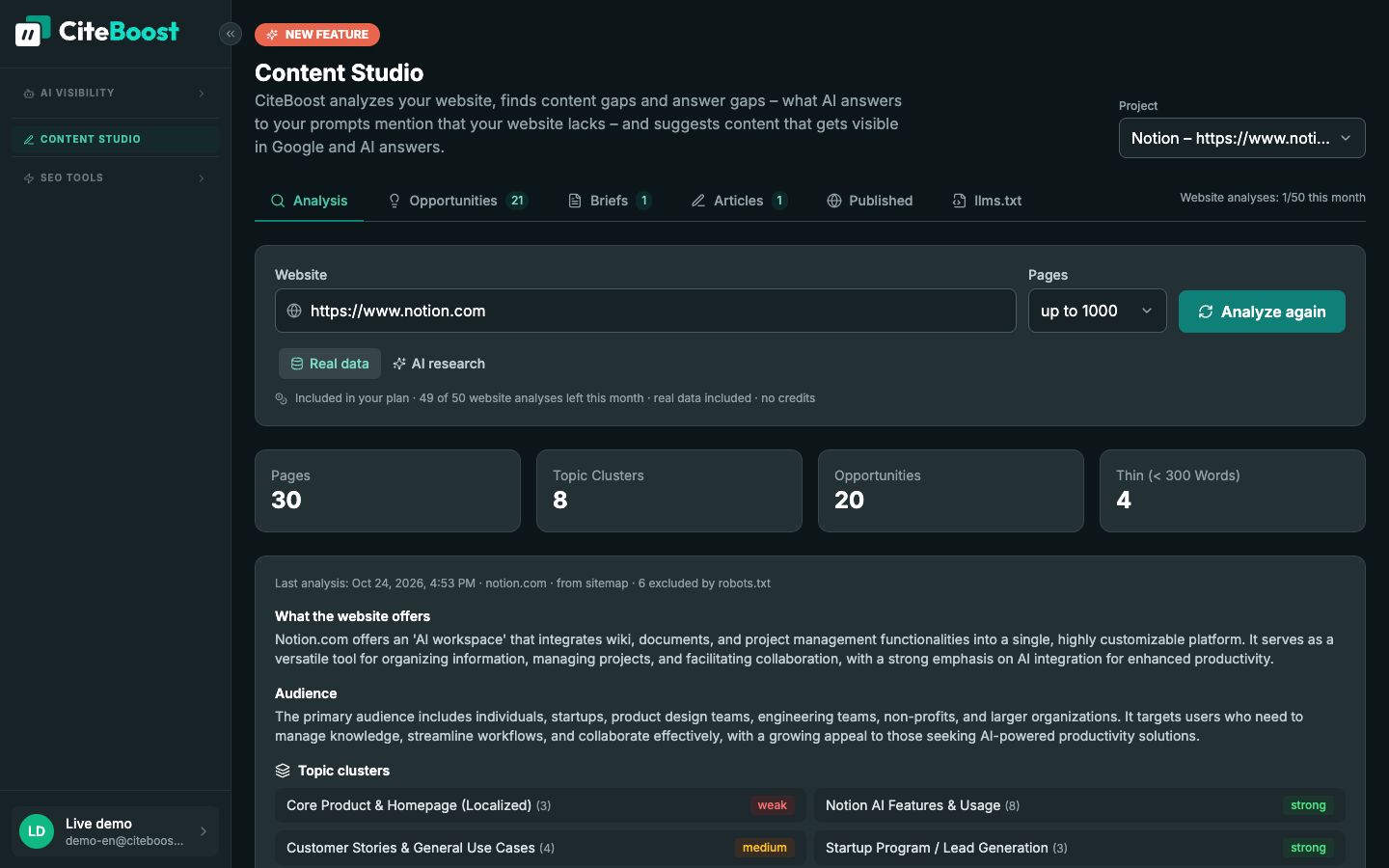
For every prompt CiteBoost shows what the AI answers rely on and what your website is missing – backed by verbatim sentences.
Pages, topics and thin content at a glance – with opportunities sorted by impact.
Researched with Google Search: outline, key points, questions and sources before a single word is written.
With meta data, editable FAQ, JSON-LD schema and images if you like – then to WordPress or as an export.
CiteBoost reads your website including the sitemap, groups the content into topic clusters and finds topics that are missing or too thin. Your prompt results add questions where AI models rarely name your brand. Answer gaps: for every prompt, CiteBoost shows what the AI answers rely on and what of it is missing on your website – backed by exact sentences from the answers. From this it creates researched content briefs and finished articles – with images if you like.
To be visible in Google and AI answers, you need content that answers open questions thoroughly – with sources, a clear structure and FAQ. Content Studio combines analysis, planning and creation in one place – for SEO, GEO and AEO.
Marketing and content teams, agencies, freelancers and companies without their own editorial team.
During content planning, when your brand rarely appears in AI answers or important topics are missing on your website.
How to start: Select project → Analyze website → Pick an opportunity → Review & approve brief → Create & export article
Try it for free
The free AI check on our homepage asks an AI model about your brand and industry – no sign-up, in a few seconds.
Something AI answers to your prompts mention but your website does not answer – for example a return policy or a feature comparison. AI fills such gaps with other sources.
Yes. An approved brief becomes a complete article with meta data, FAQ and schema that you adjust in the editor.
Yes, with the free CiteBoost plugin – as a draft, right away or at a scheduled time.
You link the published address to your prompts. Later runs show whether AI names or cites your page.
Start on the free plan – upgrade when it pays off for you.